# Search and Navigation
The search functionality allows users to quickly locate components such as Integrations, Mappings, Systems, Workflows, etc., within space.vars.SITENAME.
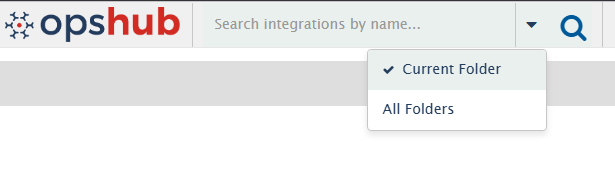
You can search within two scopes — depending on whether you want a focused or global search: **Current Folder** and **All Folders**.
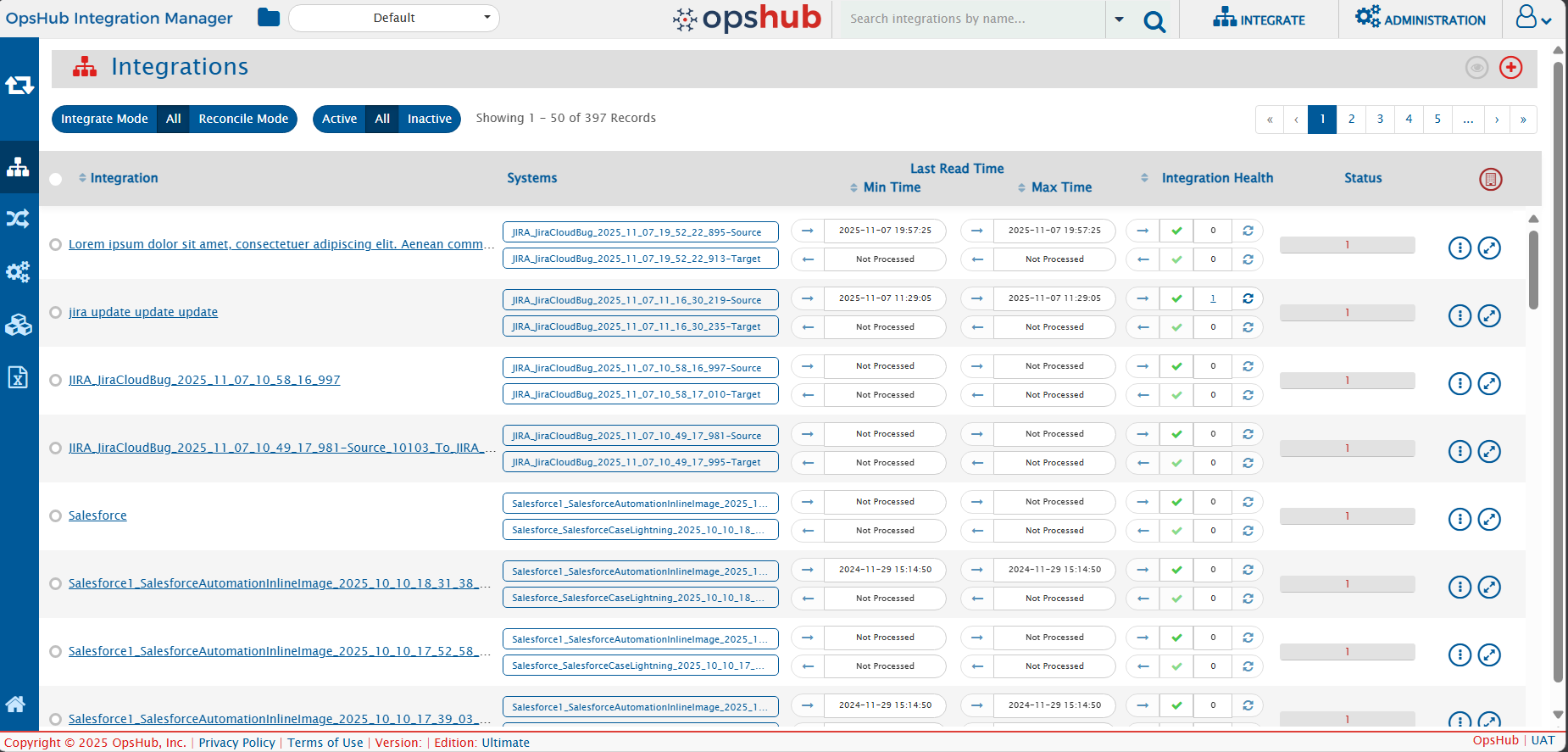
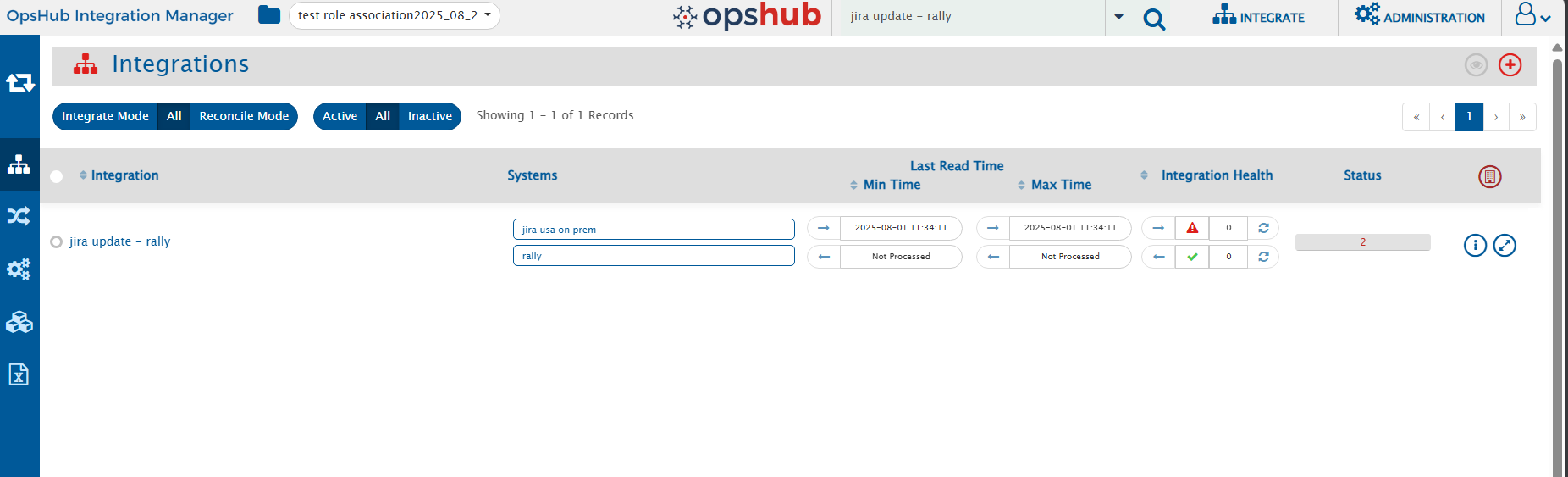
For example, if you are viewing a folder that contains several integrations and no search text is entered.
Now, let’s see this in different search scopes
## Search Scope
### Current Folder Search
* Default search mode when you start searching.
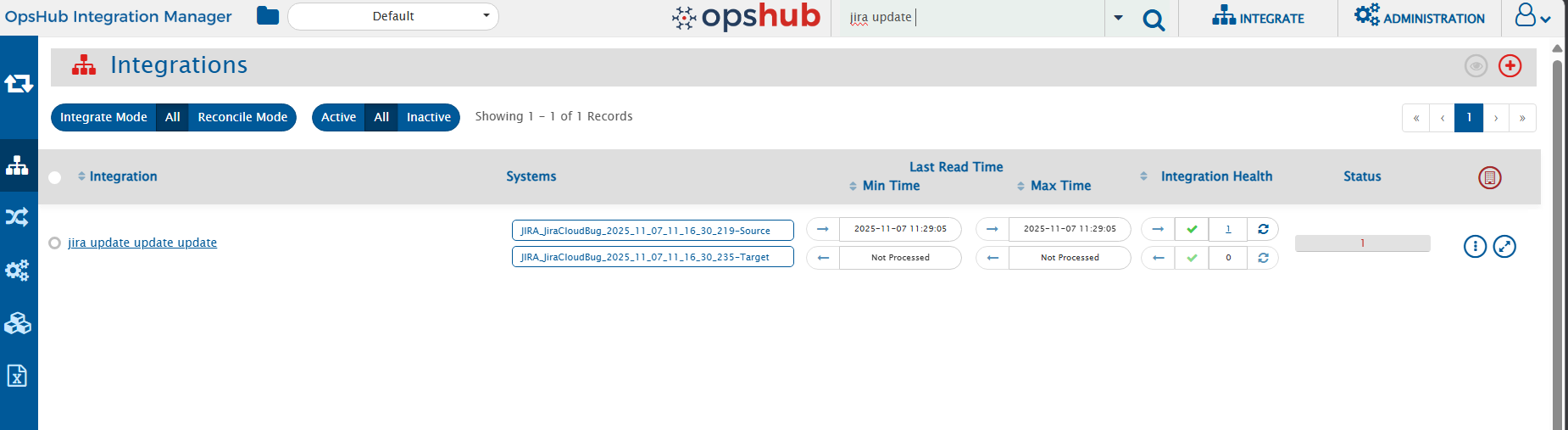
* Shows results directly in the current folder view without changing your location.
* Filters and displays only the components within the folder you are currently viewing based on your search text.
* Ideal when you already know where the component is located or want a focused search within a specific folder
### All Folders Search
* Searches across **all folders** you have permission to access.
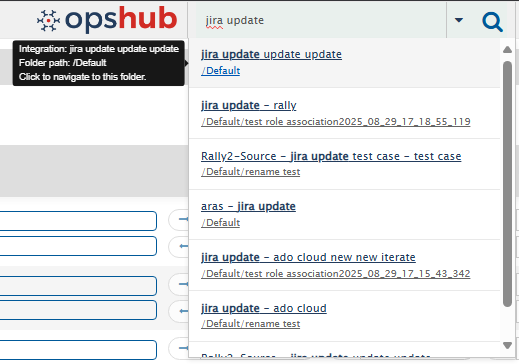
* Displays results in a separate panel below the search bar, keeping your current folder view unchanged.
* Useful when you are **unsure of the component’s location** or need a **global search** across all folders.
* Clicking a component name or folder path in the results panel navigates you directly to the folder where the component exists.
* After navigation, the folder view updates to show all matching components within that folder.
* From there, you can perform all standard operations, such as editing integrations, creating mappings, or carrying out other routine tasks
> **Note:**
>
> * **Current Folder** is selected by default.
> * If you switch to **All Folders**, all searches will continue to use this mode **until you manually change it back**.
> * We respect your preference—once you choose a search mode, it stays active during navigation so you don’t need to reset it each time.