# Updating Database Password
If space.vars.SITENAME database password has been modified by a user, then this utility would update the new password in space.vars.SITENAME application.
Follow the steps given below for updating database password in OpsHub:
{% if "OpsHub Integration Manager" === space.vars.SITENAME %}
\- Stop OpsHub Server/ Service before execution of this utility.
{% endif %}
{% if "OpsHub Migrator for Microsoft Azure DevOps" === space.vars.SITENAME %}
\- Close OM4ADO application before execution of the utility.
{% endif %}
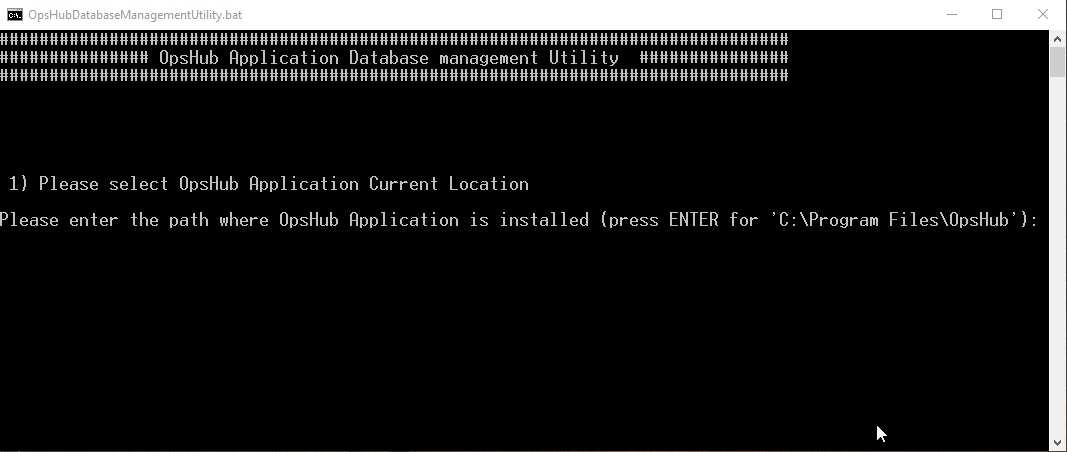
\- Go to space.vars.SITENAME Installation Folder>/Other\_Resources/Resources. - Unzip \`OpsHub Database Management utility.zip\`. - Run \`OpsHubDatabaseManagementUtility.bat\` for Windows system.
{% if "OpsHub Integration Manager" === space.vars.SITENAME %}
\- In case of Linux system, run \`OpsHubDatabaseManagementUtility.sh\`.
{% endif %}
* Enter path for OpsHub Installation Directory.
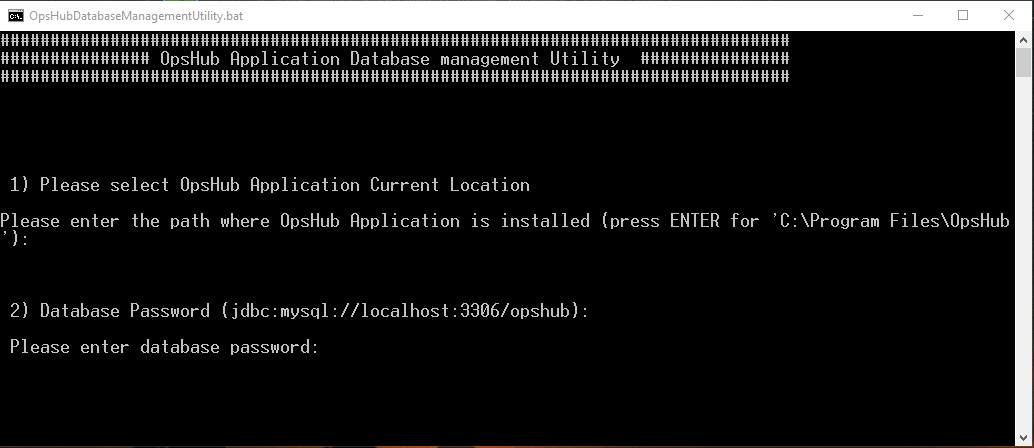
* Enter the new database password.
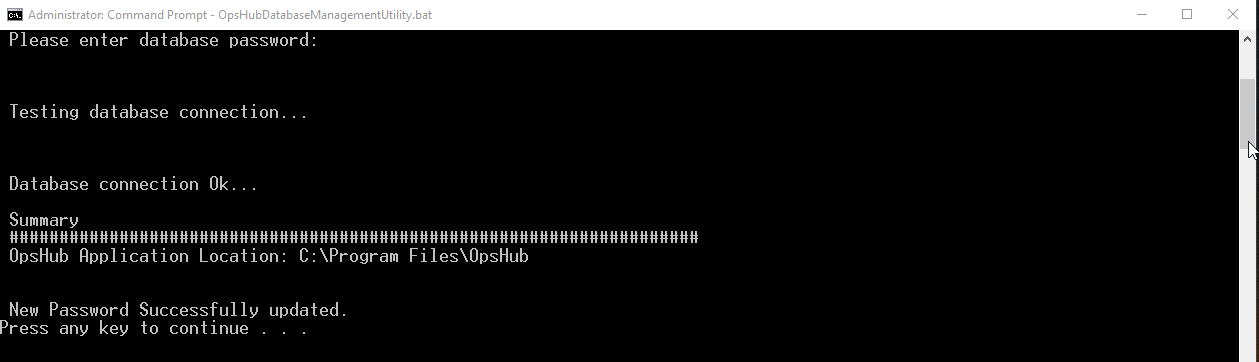
* This would update database password in OpsHub application.